
HVAC Website Lead Generation: How to Turn Website Visitors Into Leads
A visitor lands on an HVAC website because they need help, are comparing providers, or want to plan a project. The website has one important job at that moment: make it easy for the right person to understand the company’s services, feel confident contacting it, and take the next step.
That does not mean adding a phone number to every corner of the page or asking every visitor to complete a long quote form. Effective HVAC website lead generation depends on a clear path from the visitor’s question to a relevant action. Calls to action, service descriptions, quote forms, trust information, and conversion tracking should work together rather than compete for attention.
Table of Contents
What Does HVAC Website Lead Generation Actually Mean?
HVAC website lead generation is the process of turning relevant website visits into enquiries that the business can respond to. A lead might arrive through a phone call, a quote request, a contact form, or another clearly defined enquiry channel.
It is useful to distinguish four stages:
| Stage | What it means | Example |
|---|---|---|
| Website traffic | People who visit the website | A homeowner arrives from a local search |
| Enquiry | A visitor takes a contact action | They call or submit a quote form |
| Qualified lead | The enquiry matches the company’s services and service area | The caller needs a repair the company provides |
| Booked job | The business and customer agree to proceed | The customer schedules the service |
These stages are not interchangeable. A page view is not a lead, a form submission is not automatically qualified, and a qualified enquiry is not a booked job. If traffic rises but enquiries do not, inspect the contact path; if enquiries are irrelevant, clarify services and coverage.
Use Clear Calls to Action That Tell Visitors What to Do
A call to action (CTA) is a link or button that invites a visitor to take a specific next step. On an HVAC website, common actions include calling the company, requesting an estimate, booking a consultation, or sending a question.
A vague button such as ‘Learn More’ may be appropriate for general information, but it is often weak as the main enquiry action. Use wording that explains what happens next:
- ‘Call for HVAC Service’ when the visitor is ready to speak with the company.
- ‘Request a Repair Estimate’ when the page is about a service that can be assessed and quoted.
- ‘Request a Commercial HVAC Consultation’ for facility managers or commercial prospects.
- ‘Ask About Maintenance Plans’ when the page describes ongoing maintenance agreements.
Place CTAs where visitors make decisions
Prioritize a clear primary CTA in the first screen of the page, near relevant service explanations, and at the end of a useful section. A visitor should not have to scroll back to the top after reading about a service to find out how to enquire.
On mobile, make phone numbers tap-to-call links and give buttons enough space to tap. A phone icon without a clear label is not a complete contact instruction.
For a broader look at the first screen, messaging, and homepage CTA placement, see the HVAC website homepage design guide. When the overall site needs a more deliberate structure for services and enquiry paths, review the agency’s HVAC Web Design services.

Make Quote Request Forms Easy to Complete
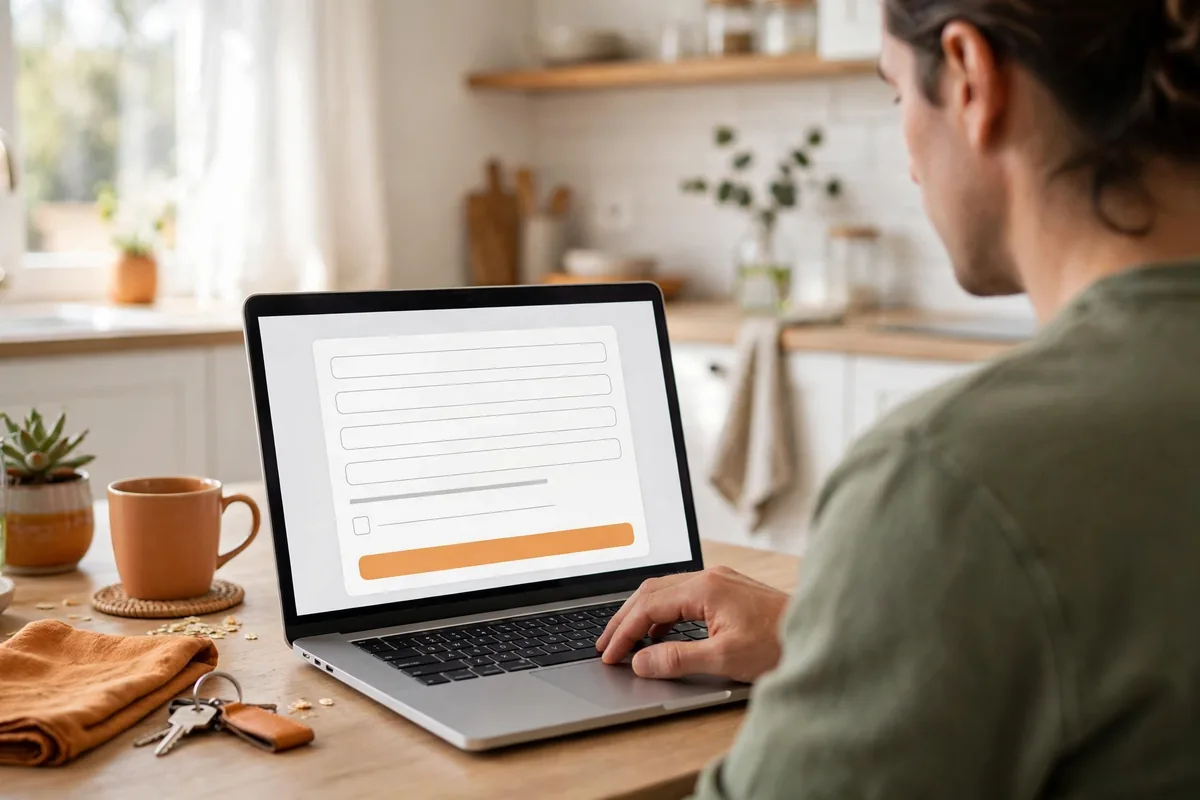
A quote form should collect enough information for the business to understand and respond to the enquiry – not every detail that might eventually be useful during a service visit.
For an initial residential enquiry, a practical form may ask for:
- Name.
- Preferred contact method.
- Phone number or email address.
- ZIP code or service location.
- Service needed.
- A short description of the issue or project.
Use clear labels, sensible fields, and helpful validation
Every field should have a clear label. Do not rely only on placeholder text that disappears when someone starts typing. Use the appropriate input type where possible – for example, a telephone field for phone numbers and an email field for email addresses.
Explain which fields are required and why. If a ZIP code is needed to confirm the service area, say so. If a visitor enters an invalid email address or misses a required field, show a clear message beside the relevant field and explain how to fix it.
The W3C form guidance recommends identifying form controls with labels and associating labels with their fields so visitors and assistive technologies can understand what information is required. See W3C guidance on labeling form controls.
Tell visitors what happens after submission
Use a clear submit label such as ‘Send My Request’ and display a confirmation after successful submission. Explain what happens next, but do not promise a response time unless the business can consistently meet it.
Write Service Descriptions That Answer Customer Questions
A visitor should be able to tell quickly whether the company provides the service they need. Broad labels such as ‘HVAC solutions’ do not explain enough on their own.
A useful service description answers four questions:
- What is offered? Name the service in familiar language, such as air conditioning repair or commercial HVAC maintenance.
- Who is it for? Clarify whether it serves homeowners, landlords, facility managers, or commercial property owners.
- What does it cover? Describe the work accurately; do not imply the company offers services it does not provide.
- What next? Give the visitor a relevant call, estimate, or consultation option.
A commercial maintenance page should identify the types of properties or systems the company serves and explain how a property manager can discuss requirements. A residential repair page should help a homeowner identify the relevant service and contact the company. Avoid repeating generic copy across service pages; each page should make sense to visitors who arrive directly from search.
For a wider feature checklist, see essential HVAC website features. This article focuses on whether those elements help visitors enquire.
Build Trust Before Asking Visitors to Contact You
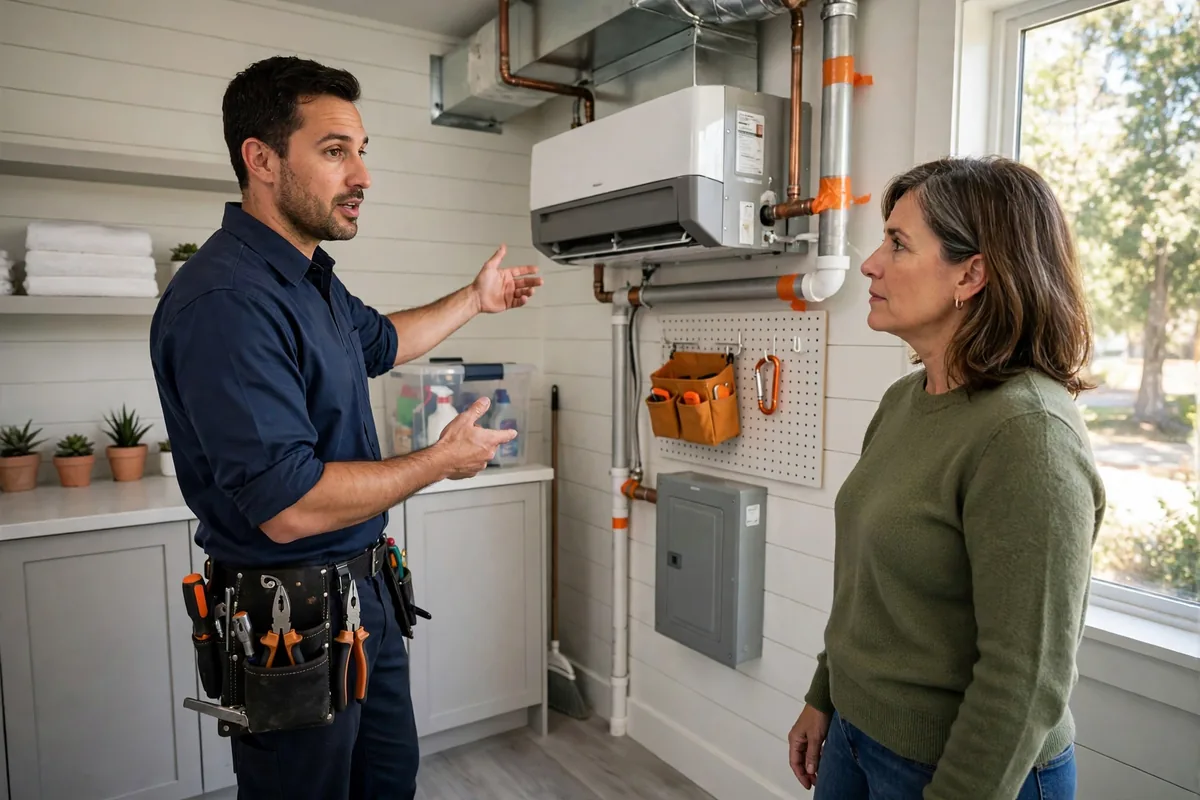
Contacting an HVAC company can involve home access, commercial property arrangements, or a substantial project. Visitors may hesitate if they cannot verify who the business is, where it operates, or whether it handles the required work.
Place genuine, current trust information near service and contact decisions:
- Reviews and testimonials: Use authentic customer feedback and obtain permission for testimonials. Do not change their meaning.
- Licences and credentials: Show only current credentials the company holds and may advertise; identify the issuing body where relevant.
- Service area: Name the locations actually served.
- Company information: Provide working contact details and useful information about the business and team.
- Project examples: Use genuine photographs and descriptions without inventing outcomes.
- Warranties: Mention them only when offered and describe their terms accurately.
For context on the wider business value of a well-planned website, read about the benefits of professional HVAC website design.

Offer Contact Options That Match Different Enquiries
Not every visitor wants to use the same contact method. A homeowner with an urgent question may prefer a phone call. A property manager comparing planned maintenance providers may want to send details in writing.
Provide a small, understandable set of contact routes:
| Visitor need | Useful contact option | What the page should make clear |
|---|---|---|
| Ready to speak with someone | Visible phone number and click-to-call link | The number is current and the business can receive calls |
| Needs an estimate | Quote request form | What information is needed to prepare or discuss an estimate |
| Commercial project or maintenance | Commercial enquiry form or consultation request | The type of commercial work the company considers |
| General question | Contact form or published email | Which team or business will receive the message |
If residential and commercial enquiries follow different processes, separate them with a simple choice or clearly labelled form. Do not advertise live chat, emergency availability, or instant booking unless those services are operational.
Track Enquiries, Not Just Button Clicks
Conversion tracking helps an HVAC business understand which website actions occur and where enquiries originate. Without it, owners may see visits and page views but have little evidence about whether the website is generating contact.
Define the actions that matter: successful form submissions, telephone-link clicks, connected calls where properly tracked, commercial consultation requests, qualified enquiries, and booked jobs when website data can be connected to the business’s customer or job records.
A click on a phone number is not proof that a call connected. A form button click is not proof that a form was successfully submitted. Configure events around completed actions, not just the visitor’s attempt to take an action.
Google Analytics 4 includes the recommended generate_lead event for a form submission or request for information. Google also documents lead-funnel events such as qualify_lead and close_convert_lead for measuring later stages when those outcomes can be reliably sent to Analytics. See Google’s recommended GA4 events.
Test each event after a successful submission and confirm it appears in Analytics debugging or real-time reports. Avoid counting one submission twice, and never send names, email addresses, or phone numbers as Analytics event parameters.
A monthly report should separate landing-page visits, successful submissions, phone actions, qualified leads, and booked jobs. Do not treat website actions as sales outcomes.

Google’s Core Web Vitals guidance also explains how loading performance, responsiveness, and visual stability are measured. These metrics do not measure leads directly, but poor loading, responsiveness, or visual stability can make enquiries harder to complete.
Remove Common Barriers That Stop Visitors Enquiring
Small problems can interrupt an otherwise useful visitor journey. Review the website for these common barriers:
| Barrier | Why it creates friction | What to check |
|---|---|---|
| Vague service descriptions | Visitors cannot tell whether the company does the required work | Name services and explain who they are for |
| Competing CTAs | Visitors are unsure which action to take | Give each page one clear primary action |
| Long forms | Visitors may abandon before submitting | Remove fields not needed for the first response |
| Missing trust details | Visitors have unanswered questions about the company | Add genuine reviews, coverage, and verified credentials |
| Unclear service area | Enquiries may come from locations the company does not serve | State actual coverage near service and contact information |
| Broken form or phone link | The visitor’s attempt to contact the company fails | Submit test enquiries and test calls |
| Dead-end service pages | Visitors finish reading without a next step | Add a relevant CTA and related contact route |
| No confirmation | Visitors do not know whether the request was received | Display a clear success message and test delivery |
A Practical HVAC Website Lead-Generation Review
Use this process to test the journey as a real customer would experience it.
- Open the homepage and key service pages as a visitor arriving from search would.
- Check whether the company, service, coverage, and main action are clear on the first screen.
- Follow every CTA and confirm it reaches the correct form, contact page, or phone action.
- Submit test forms, including invalid entries; verify confirmation messages and delivery to the correct inbox or CRM.
- Test phone links on a mobile device and confirm the correct number opens.
- Check that reviews, credentials, service areas, and service descriptions are accurate.
- Repeat on desktop and mobile, checking readability, tap targets, form usability, and layout.
- Confirm analytics records successful actions once, then compare events with actual enquiries and qualified leads.
HVAC Website Lead-Generation Checklist: What to Fix First
Use this priority list to decide where to begin.
| Priority | Check | Ready when… |
|---|---|---|
| 1 – Critical | Phone number and forms work | Test calls connect and test submissions reach the right person |
| 2 – High | Main CTA is clear | Each key page makes the next step obvious |
| 3 – High | Service descriptions are specific | Visitors can identify relevant services and intended customers |
| 4 – High | Service area is clear | Actual coverage is stated accurately |
| 5 – High | Trust information is genuine | Reviews, credentials, team details, and examples are verified |
| 6 – Medium | Forms are focused and accessible | Labels, required fields, validation, and confirmation work |
| 7 – Medium | Mobile contact path is usable | Visitors can read, tap, call, and submit without friction |
| 8 – Medium | Conversion tracking is tested | Events reflect successful actions and are not duplicated |
| 9 – Ongoing | Lead quality is reviewed | Website enquiries are compared with qualified leads and booked jobs |
Fix broken contact routes before redesigning button colours or adding more sections. A polished page cannot compensate for a form that fails to deliver enquiries.
If you would like your existing website reviewed, you can request a free HVAC website audit.
Frequently Asked Questions
It is the process of turning relevant website visits into enquiries for heating, cooling, air conditioning, or commercial HVAC services, usually through calls or forms.
Use specific wording that matches the page, such as 'Call for HVAC Service,' 'Request a Repair Estimate,' or 'Request a Commercial HVAC Consultation.'
Start with a name, contact details, service location, service required, and a short description. Add other questions only when they help route or respond to the enquiry.
Track successful form submissions and relevant phone actions, then compare them with enquiries received, qualified leads, and booked jobs. A click alone is not proof of a lead.
Conclusion: Make the Next Step Obvious
An HVAC website is more useful as a lead-generation tool when visitors can quickly understand the services, see why the company is credible, and choose a contact method that suits their needs. Clear CTAs, focused quote forms, accurate service descriptions, genuine trust signals, and tested conversion tracking all contribute to that journey.
Start with the basics: make sure the phone number and forms work, give each important page a clear next step, and remove unnecessary questions from enquiry forms. Then measure completed actions and compare them with the qualified enquiries and booked work the business actually receives.
There is no single website feature that guarantees more leads. Consistent testing and practical improvements help an HVAC business understand whether its website is making it easier for the right customers to get in touch.

About the Author
Tanvir Siddiki
Founder & HVAC Web Design SpecialistTanvir is the founder of HVAC Web Design Lab, specializing in website design, website redesign, and local SEO for HVAC businesses. He focuses on creating professional, user-friendly websites that help heating and cooling companies strengthen their online presence.