
HVAC Website Homepage Design: Essential Elements Every HVAC Website Should Include
An HVAC website homepage has a practical job: help a visitor understand what the company does, confirm whether it serves their location, decide whether the business appears credible, and choose how to get in touch. If those answers are difficult to find, a potential customer may leave before exploring the rest of the website.
A homeowner looking for air conditioning repair and a facilities manager comparing commercial heating contractors may have different needs, but both should be able to identify the company’s capabilities and the next step without hunting.
Use the homepage to introduce the business, summarize its services, show credible evidence, and guide visitors to detailed pages or contact options.
Table of Contents
1. Start with a homepage that answers three essential questions
Within the first screen or two, a visitor should be able to answer:
- What does this company do? State whether the business focuses on residential HVAC, commercial systems, heating, cooling, installation, repair, maintenance, or a verified combination.
- Where does it work? Name the main city, region, or service area accurately. Avoid listing places the company does not serve.
- What should I do next? Make the preferred action obvious, such as calling the office, requesting an estimate, or booking a service visit.
Pair a brand message with a clear description, for example: “Residential Heating and Cooling Services in [Service Area].”
2. Build a focused hero section
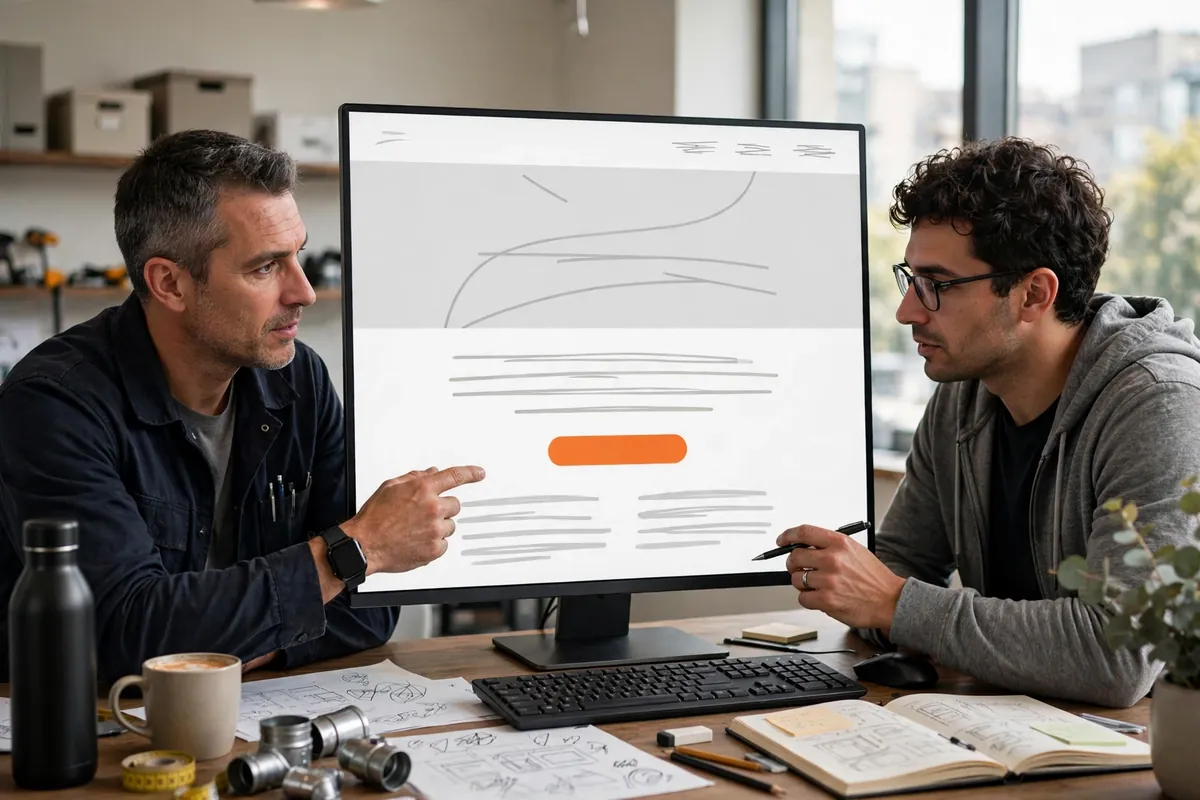
Write a specific headline and supporting message
Use a headline that identifies the business’s main service and, where useful, its location or audience. A short supporting sentence can clarify the type of customers served, the company’s approach, or the next step. A useful hero includes a direct headline, concise supporting message, primary CTA, visible phone number when calls matter, and a relevant visual.
Choose imagery that reinforces the message
Use genuine, approved photographs of the company’s team, vehicles, or completed work where available. Otherwise, choose relevant imagery that does not falsely imply a specific employee, project, certification, or customer relationship.
Avoid a rotating hero carousel with several competing messages. A single well-composed image and a clear message are usually easier to understand. Keep text readable over photographs, and make sure the call-to-action remains visible at common mobile widths.
Make the primary action unmistakable
Choose one main action based on how the company receives and handles enquiries. Examples include “Call for Service,” “Request an Estimate,” or “Schedule a Consultation.” The wording should describe what happens after the click. If the button opens a form, say so clearly; if it calls the business, use a functional telephone link.
3. Summarize services and connect them to detailed pages
The homepage should help visitors recognize the service they need, but it should not become a full catalogue of every task the company performs. Create a concise summary for each major service category and link each summary to its own detailed service page.
For example, a residential contractor might feature air conditioning, heating, heat pump services, and maintenance if those are genuinely offered. A commercial mechanical contractor may need separate summaries for commercial HVAC installation, planned maintenance, building system upgrades, or controls. The exact groupings should reflect the company’s real work and the language its customers use.
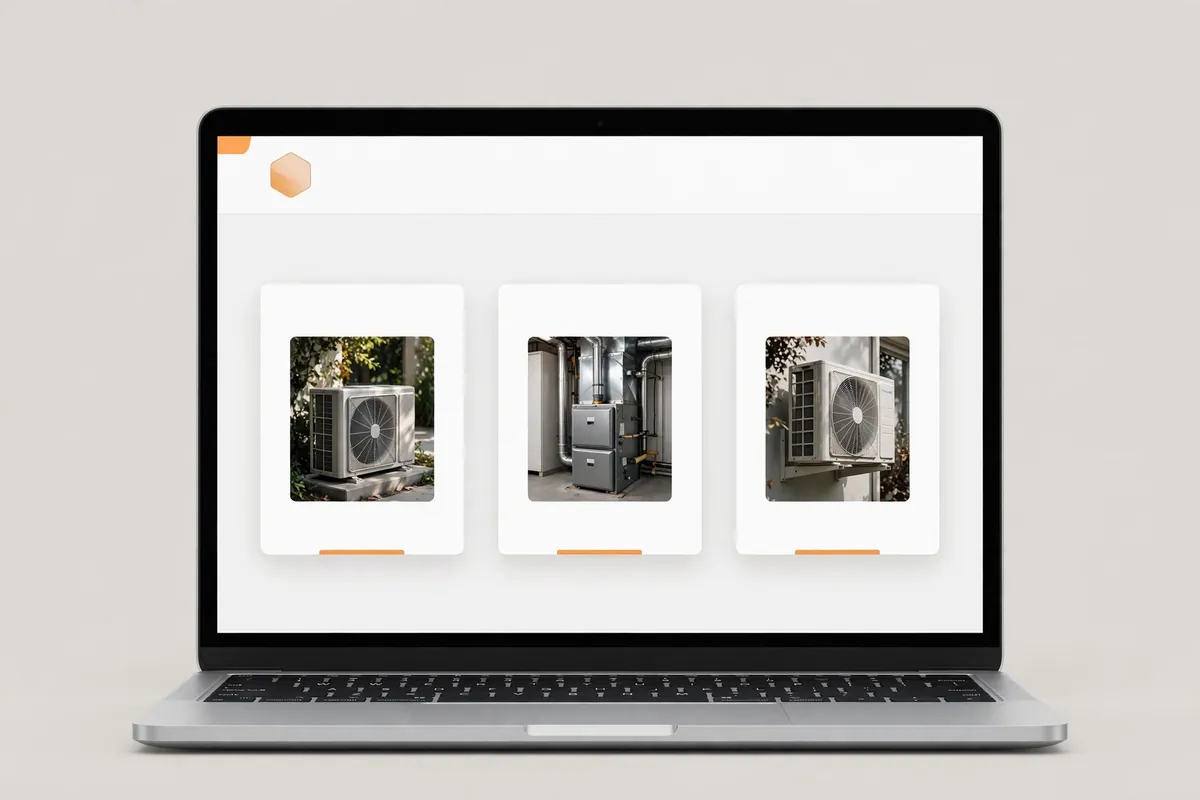
Each service summary should contain:
- A clear service name.
- A short explanation of the customer problem or system need it addresses.
- A relevant image or simple visual, where useful.
- A descriptive link such as “Explore Heating Services.”
Avoid vague labels such as “Our Solutions” when a visitor needs to identify a particular service. Do not list services simply because competitors offer them. Incorrect service information can create unsuitable enquiries and undermine trust.
Use detailed service pages for scope, process, equipment types, and service-specific questions. For broader site-wide functionality, see the essential features of an HVAC website.
4. Show credibility with evidence visitors can verify
Useful credibility elements include:
- Customer reviews: Display genuine feedback with permission and, where possible, link to the platform or page where the review can be checked. Do not edit a review in a way that changes its meaning.
- Licences and certifications: Show only credentials held by the business or relevant staff, and confirm that names, numbers, and expiry details are correct where applicable.
- Years in business: Use a specific duration only when the start date and wording are verified. Do not confuse an individual’s experience with the company’s operating history.
- Professional memberships: Include affiliations only when the company is an active member and the organization permits the mark to be used.
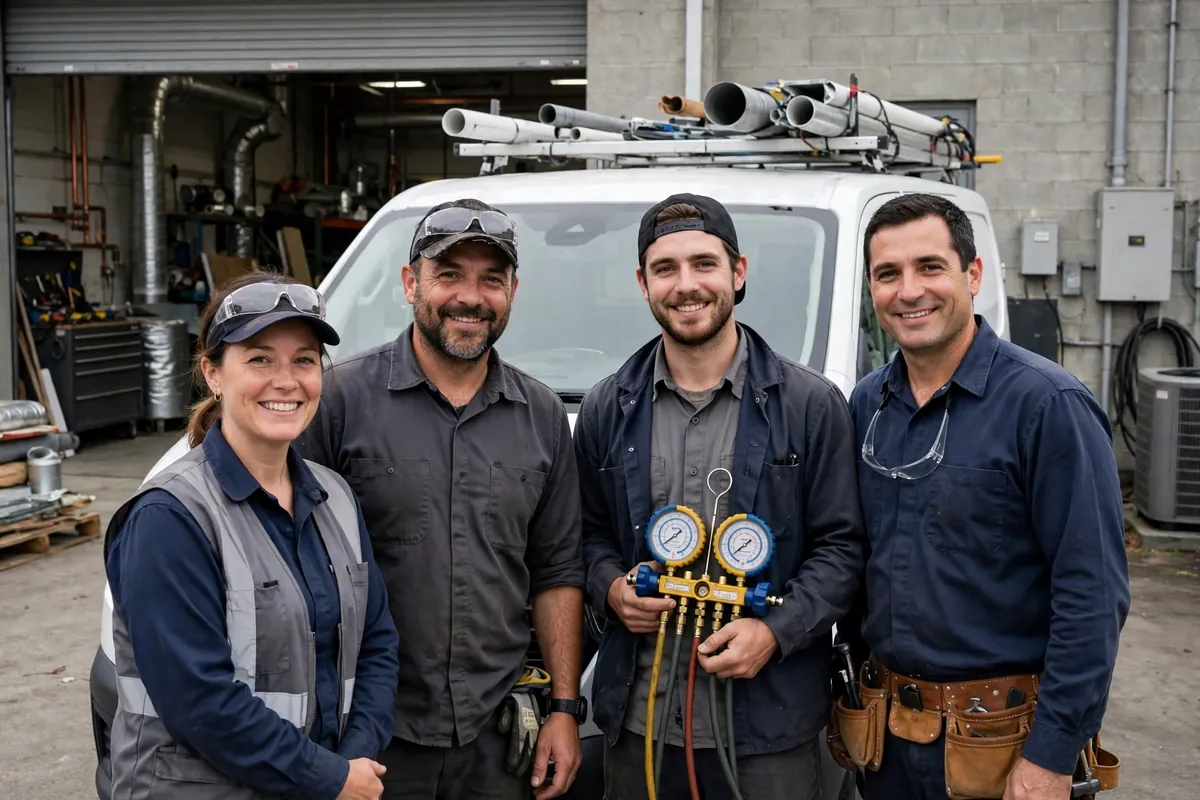
- Team and project photographs: Use authentic, approved images that represent the business’s actual people and work.
- Clear company information: Link to an About page with the business’s background, team, operating approach, and other substantiated details.
Avoid generic star icons or certification logos without context. If reviews or credentials cannot be verified, omit them rather than invent substitutes.
5. Use calls to action at the points where visitors need them
Place the primary CTA in the hero and repeat it at useful decision points, such as after service summaries and near the end of the page. Keep the wording consistent; multiple urgent messages can distract visitors.
Use CTA language that is specific (“Request an HVAC Estimate”), consistent, honest about availability, and visually noticeable. Do not imply instant booking or guaranteed response times unless the company can deliver them.
If calls are the main conversion route, make the phone action prominent. If the business qualifies projects through a form, make the estimate request easy to find. A commercial contractor may also offer a consultation request for larger projects.
For the wider business case behind a professional site, see the benefits of professional HVAC website design.
6. Make contact options easy to find and use
Contact options may include a visible phone number, a working mobile click-to-call link, a short estimate form, a Contact page link, accurate business hours, and a verified address or service-area description.
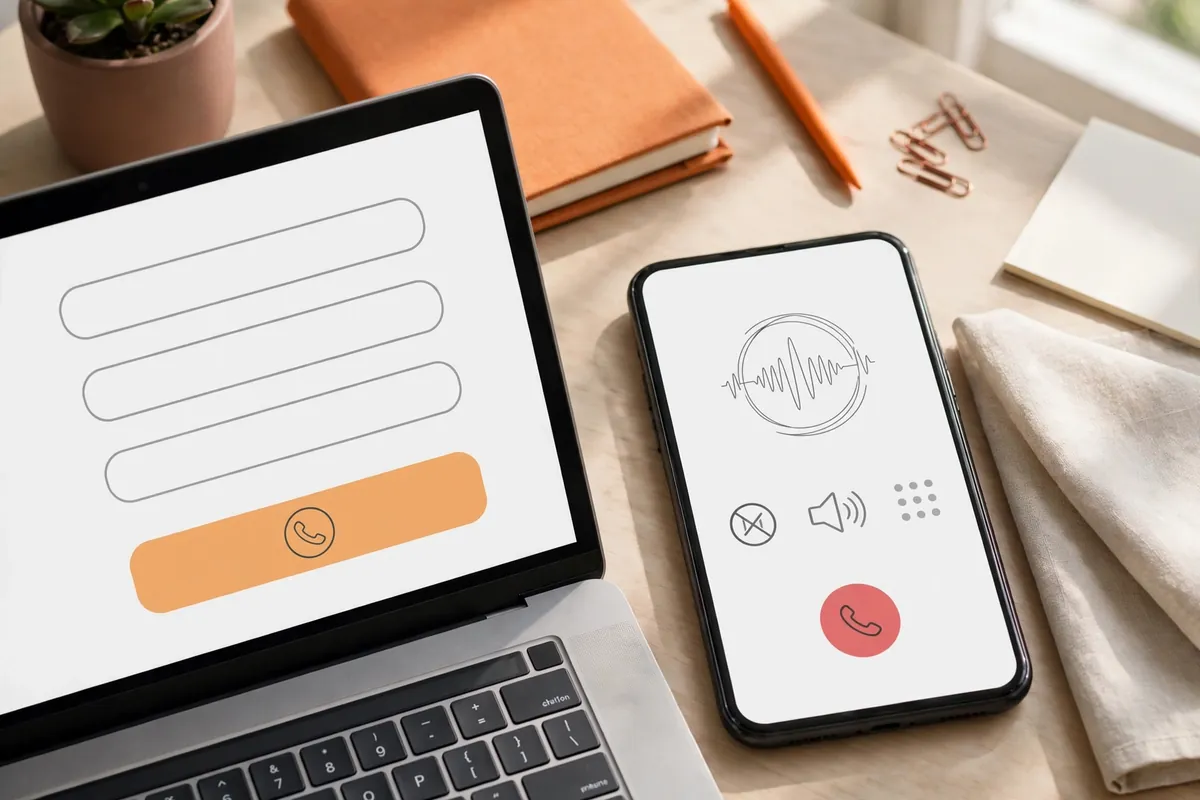
Keep forms proportionate to the enquiry. Ask only for details the team needs, such as name, contact details, service type, location, and a short description. Label fields, identify required information, explain what happens after submission, and provide clear error messages.
Test the form from beginning to end. Confirm that it submits, displays a success message, sends notifications to the correct recipient, and works on a phone. A form that looks attractive but silently fails is a serious homepage problem.
7. Organize navigation around common visitor tasks
Homepage navigation should help people reach the information they need without making them interpret internal company terminology. Common top-level links include Services, Service Areas, About, Reviews or Projects (if available), Resources, and Contact. Use clear labels and a predictable order. If the company serves residential and commercial markets, make those paths easy to identify. Avoid oversized dropdowns when a simple service overview will work.
The scrolling page should also follow a logical sequence:
- Hero: what the company does, where it works, and the main action.
- Service summaries: help visitors choose a relevant service.
- Credibility: provide genuine reasons to trust the business.
- Company or process introduction: explain who the business serves and what happens next.
- Additional service-area or project information, when useful.
- Contact prompt: make the next step clear.
8. Use visual hierarchy and readable content
Visual hierarchy is the way design makes some information easier to notice than other information. On an HVAC homepage, visitors should be able to scan the headline, service names, trust evidence, and contact actions without reading every paragraph.
Use descriptive headings, concise copy, consistent spacing, and a limited brand palette. Keep text readable and controls distinguishable. Images should support nearby content; use relevant photography, optimize file sizes, and write descriptive alt text only when an image conveys information.
Check keyboard access, visible focus, form labels, text contrast, meaningful link names, and whether the page remains usable when text is enlarged. The W3C Web Content Accessibility Guidelines provide testable criteria and supporting guidance; a visual review alone cannot establish full conformance.
9. Check how the homepage works on mobile
Review the actual mobile layout rather than assuming that a responsive theme has handled every detail.
For the homepage, check these specific elements:
- The headline and supporting text remain readable without awkward line breaks.
- The main CTA and phone link are visible and easy to tap.
- Service summaries stack in a sensible order and do not become cramped.
- Reviews and credibility details remain legible.
- Forms fit the screen and are easy to complete.
- Images scale to the available width without causing horizontal scrolling.
- The mobile menu opens, closes, and exposes all required links.
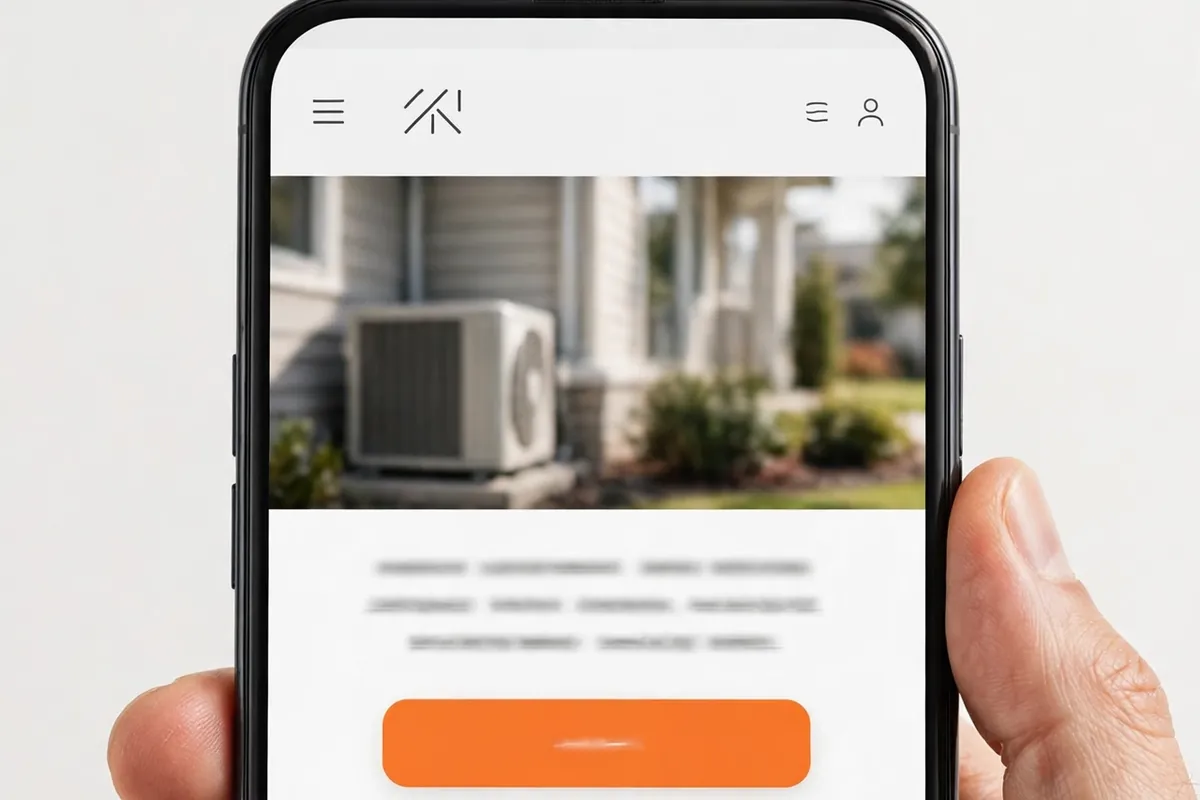
Test at multiple widths and, where possible, on a real phone. Layouts should adapt to available space. web.dev explains how responsive layouts, viewport settings, flexible content, and image sizing help pages work across screen sizes in its responsive web design guidance
This section focuses on the homepage’s mobile presentation. For a deeper walkthrough of responsive layouts, readable text, tap-friendly controls, phone links, forms, and mobile testing, read making an HVAC website mobile-friendly
10. A practical HVAC homepage review checklist
Use this checklist to review an existing homepage or brief a designer before a rebuild.
| Homepage element | What to check | Priority |
|---|---|---|
| Main message | Can a new visitor identify the company’s services and audience quickly? | High |
| Service area | Is the location or coverage area accurate and easy to find? | High |
| Hero CTA | Is there one clear primary action with an honest label? | High |
| Phone link | Is the number correct and does click-to-call work on mobile? | High |
| Service summaries | Are the main services clear and linked to relevant detail pages? | High |
| Contact form | Does it ask for necessary information and submit successfully? | High |
| Credibility | Are reviews, credentials, years, and affiliations genuine and current? | High |
| Navigation | Can visitors find services, company information, and contact details easily? | Medium |
| Visual hierarchy | Are headings, buttons, and key information easy to scan? | Medium |
| Mobile layout | Does the page work without clipped content or horizontal scrolling? | High |
| Images | Are images relevant, optimized, and accurately described? | Medium |
| Final CTA | Is there a clear next step after visitors review the page? | Medium |
Then review the page with someone unfamiliar with the business. Ask them what the company does, where it works, which service they would choose for a stated need, and how they would contact it. If they cannot answer quickly, the homepage may need a clearer message or page flow.
Frequently asked questions
An HVAC homepage should clearly explain the company's services and service area, provide a focused hero section, summarize key services, show genuine credibility evidence, make contact options visible, and guide visitors toward a clear next step. Navigation, readable content, and mobile usability support those core tasks.
No. The homepage should summarize the main service categories and link to detailed service pages. Listing every task can make the page harder to scan. Use dedicated pages for service scope, process details, equipment information, and service-specific questions.
Place the main business number in a prominent, consistent location such as the website header, and make it a working click-to-call link on mobile. It can also appear near relevant calls to action and in the contact section. Verify the number and test the link before publishing.
Use genuine customer reviews, verified licences or certifications, current professional memberships, accurate business-history information, and authentic team or project photographs. Include only claims the company can substantiate. Do not publish placeholder ratings, invented testimonials, or credentials that belong to someone else.
Choose one primary action that reflects the company's enquiry process, then repeat it at useful points in the page. A secondary action may help visitors who need more information. Avoid presenting several competing buttons with equal prominence.
Review it whenever services, service areas, contact details, business hours, credentials, or enquiry processes change. It is also sensible to test forms, phone links, navigation, and mobile layouts periodically so that problems are found before customers encounter them.
Conclusion
An effective HVAC homepage helps visitors make a few important decisions: whether the company offers the service they need, whether it works in their area, whether its claims appear credible, and how to contact it. A focused hero, useful service summaries, verifiable trust signals, clear calls to action, and working contact options create a practical path through the page.
Review the homepage from the visitor’s perspective rather than judging it only by appearance. If the message is unclear, the service links are vague, or the phone and enquiry routes are difficult to use, prioritize those issues first. For a wider view of planning the complete website, explore the complete HVAC website design guide. If you want professional help planning or improving the homepage, learn about HVAC Web Design services or request a free HVAC website audit.

About the Author
Tanvir Siddiki
Founder & HVAC Web Design SpecialistTanvir is the founder of HVAC Web Design Lab, specializing in website design, website redesign, and local SEO for HVAC businesses. He focuses on creating professional, user-friendly websites that help heating and cooling companies strengthen their online presence.